
How do I edit text and images on a page?
Published on: 03/11/2026
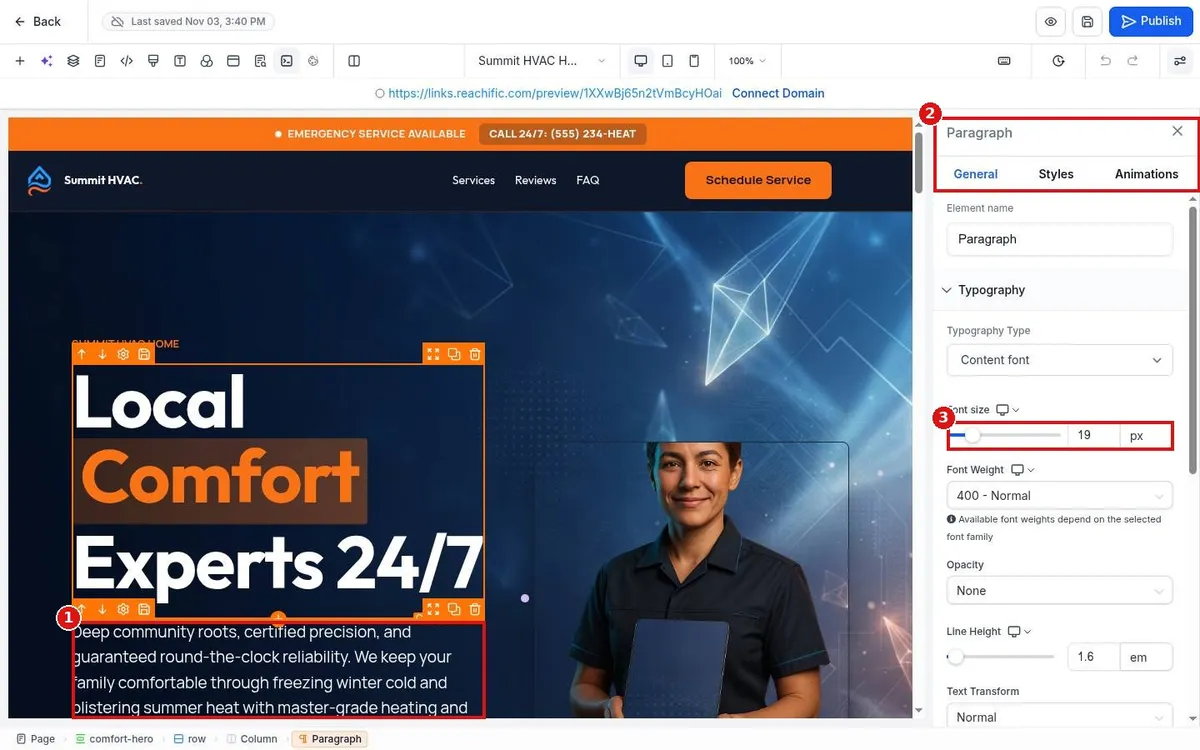
Edit text and images on a Reachific website page: open Sites, Websites, click Edit on the page, click any text or image to open its settings panel, change it, then save and publish.
edit pagepage builderchange textchange imagehelp center